如何将谷歌浏览器字体设置为Arial?今天为大家演示具体操作步骤。
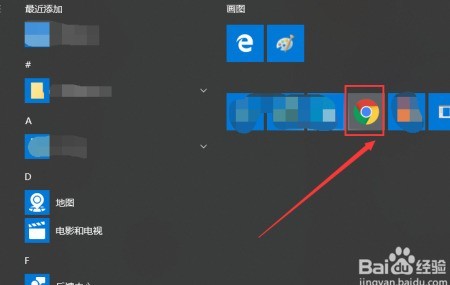
1、 启动浏览器程序
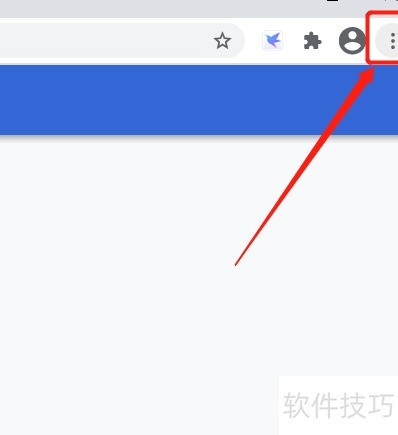
2、 点击右上角三点图标
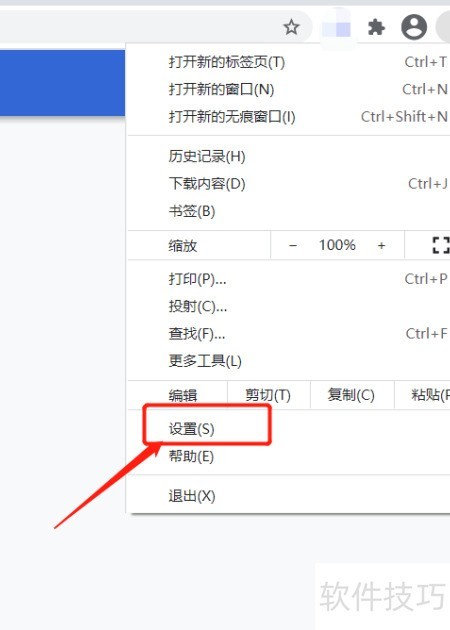
3、 点进设置
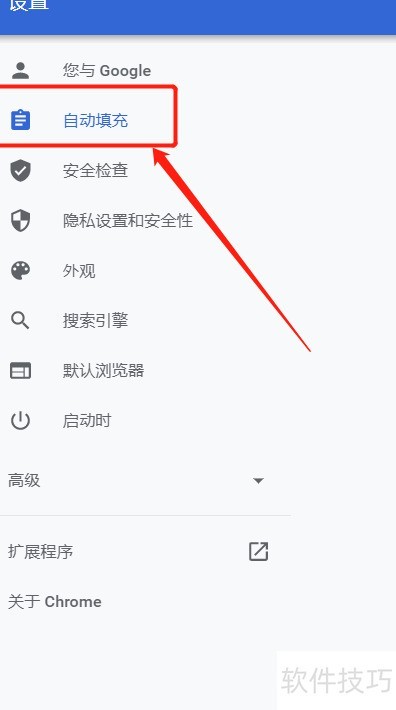
4、 点击即填
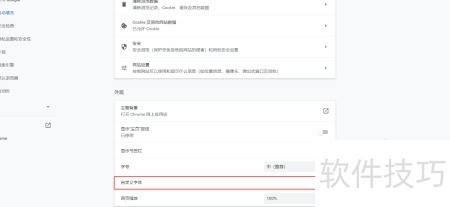
5、 点击设置字体样式
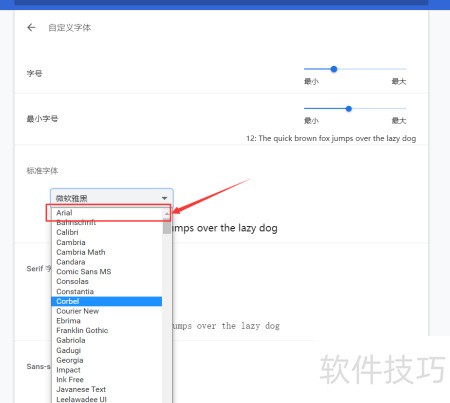
6、 选用Arial字体即可满足需求
https://soft.zol.com.cn/1144/11445669.html
soft.zol.com.cn
true
中关村在线
https://soft.zol.com.cn/1144/11445669.html
report
187
如何将谷歌浏览器字体设置为Arial?今天为大家演示具体操作步骤。
1、 启动浏览器程序
2、 点击右上角三点图标
3、 点进设置
4、 点击即填
5、 点击设置字体样式
6、 选用Arial字体即可满足需求
...


 随时随地资讯查报价 就上ZOL手机客户端,点击或扫描二维码下载


